The introduction of the Samsung 980 Pro with speeds claiming up to 7,000/5,000MB/s for read/write speed – this new era of PCIE 4.0 NVME is faster than ram! RAM costs about 10x more than NVME storage.
DDR4 Specs
Friendly name
Industry name
Peak Transfer Rate
Data transfers/second (in millions)
DDR4-2400
PC4-19200
19200 MB/s
2400
DDR4-2666
PC4-21300
21300 MB/s
2666
DDR4-2933
PC4-23400
23400 MB/s
2933
DDR4-3000
PC4-24000
24000 MB/s
3000
DDR4-3200
PC4-25600
25600 MB/s
3200
DDR4-3600
PC4-28800
28800 MB/s
3600
DDR4-4000
PC4-32000
32000 MB/s
4000
DDR4-4400
PC4-35200
35200 MB/s
4400
DDR3 Specs
Friendly name
Industry name
Peak Transfer Rate
Data transfers/second (in millions)
DDR3-800
PC3-6400
6400 MB/s
800
DDR3-1066
PC3-8500
8533 MB/s
1066
DDR3-1333
PC3-10600
10667 MB/s
1333
DDR3-1600
PC3-12800
12800 MB/s
1600
As you can see in these charts, this new speed if faster than base level DDR3 memory.
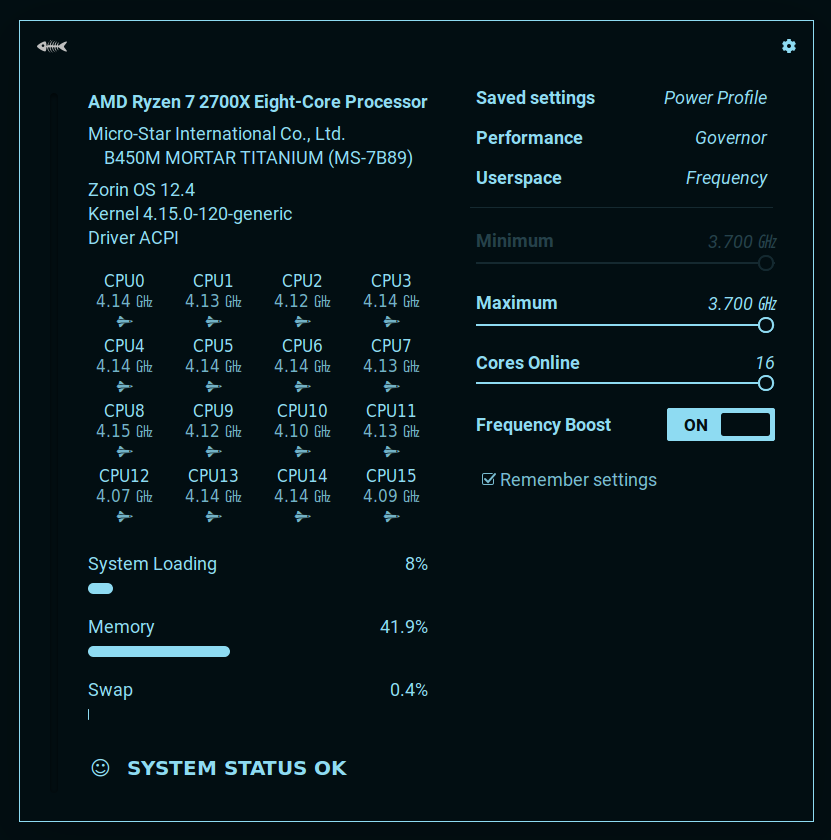
By far the best cpu frequency manager for linux is a gnome extension call cpufreq. If you are not familiar with gnome extensions, they are very easy to manage and install. There is a Firefox plugin required, and once installed you can view your plugins here.
Features Include
Enable/Disable total cores in use
Granular control over power profiles
Easily set min/max frequency
Starts on boot and can be managed as a gnome plugin
Step 1 : Add the Gnome Firefox Plugin as prompted at the top of the page Step 2: Click “On” button here
A handy guide covering the best tech hardware of 2020 during the pandemic including graphics cards, motherboards, monitors, and more! Read all about the best hardware of the year…
Video Card NVIDIA GTX 2070 SUPER
Hard to beat this mighty card and two of them will get you into 3090 territory. NVLink compatible they fly and for just $550 at the time of writing you can have some serious fun at 1440p and 4k! Don’t expect much above 60 fps at the Ultra settings but remember most people don’t have or cannot afford a 120hz display right now. Finally, these cards are “Upgrade Eligible” to 3080 and 3090 models at the current time. Learn more about this program here. Essentially you can pay EVGA the difference of the newer model card. Amazing offering. So buy a 2070 Super now, join the line for the upgrade to a 3080/3090 and enjoy great graphics card until then! Oh, and yes you could buy two 2070 Super, play with NVLink and upgrade both! Best of all, you don’t have to really decicde until later – maybe you like the 2070 Super enough to not upgrade when you can finally buy the 3080! EVGA Step Up Program
By far the best motherboard for a prosumer during the pandemic is the mighty X470D4U2-2T. This board features IPMI connectivety perfect to leave at home while you take off to your remote work cabin in the woods, or to keep running with dual 10 gigabit ethernet connections for a home grown VPN build. You can find these sub-$400 at the time of writing and this is well worth it for the IPMI and dual 10 GBE.
The value champion of the year! Found on eBay for $225 unlocked for any carrier – this Hub is no longer sold from Sprint but can still work on any carrier once unlocked! The devices runs full android and has a screen that is gorgeous, the processor and graphics are fast enough to watch 4k youtube. When it comes to wireless performance, the x55 chip has some of the fastest 4G speeds I have been able to find so far. Needed a sim that works with sprint/t-mobile to update the OS but after that, was still able to switch provider and use device with just about anything! The device has a speaker, usb-c, battery, and ethernet jack. It’s a truly amazing deal for the features available.
This is the only edition that comes with a 10,000 MaH battery! Amazing product that makes it easy to plug into anything with an HDMI port even if you don’t have power for the display. The battery can even charge devices and the screen has speakers, a stand, and adjustable brightness! Considering the size, at 15″ – 4K is too small to even use on a display of this size, so stick to the 1080p model – and the one with a battery. You won’t regret it.
I wanted to setup Tile with Smart Alerts so I bought premium and went to configure it on an iPhone 7 Pro with iOS 13.4
Ok so off to change the settings…
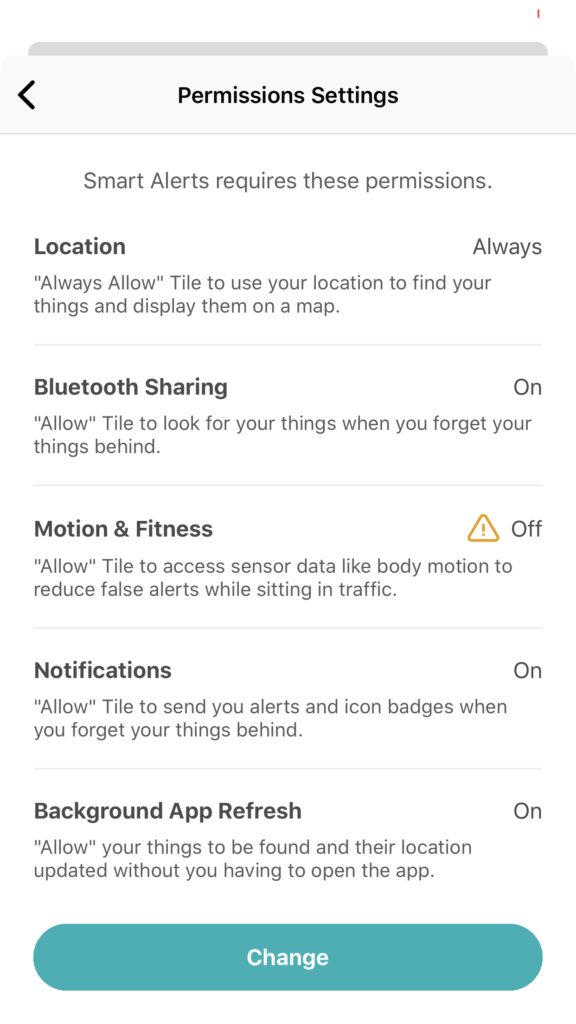
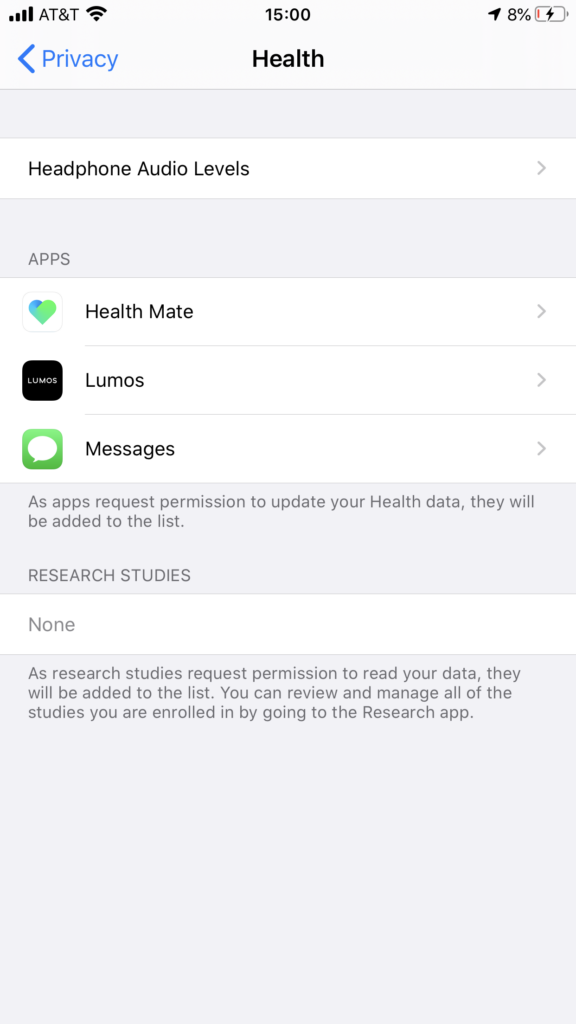
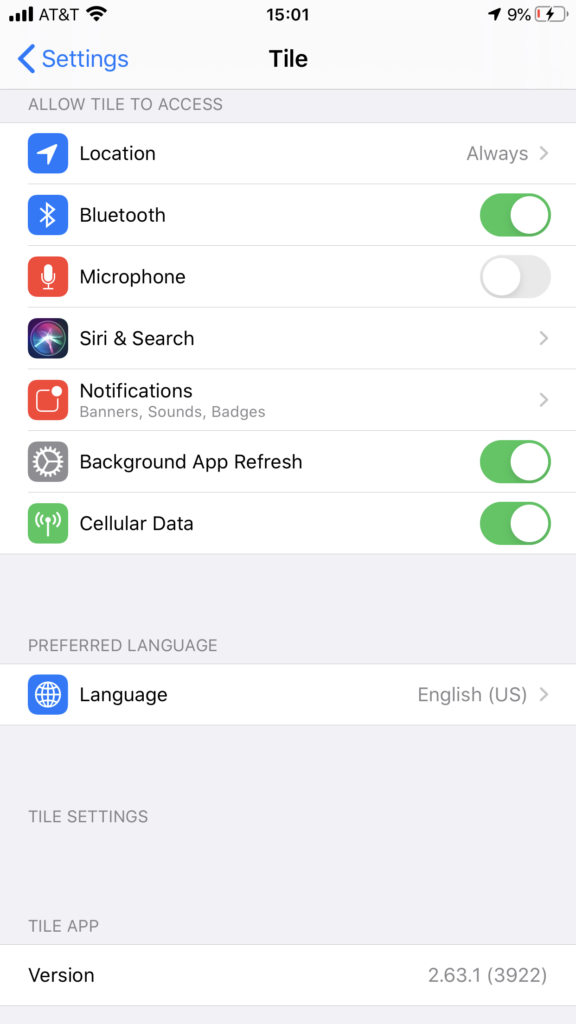
Umm – where my Tile permissions at? Let’s keep looking…
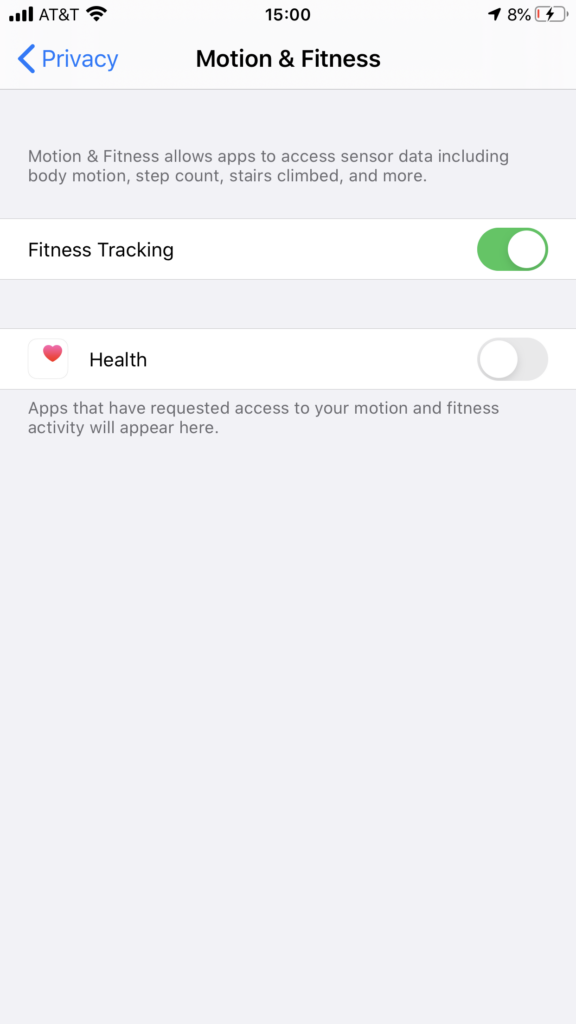
No permissions here
And no permissions here /
So where do we end up? Stuck at the First permission screen without access to the Smart Alerts. Not a good start for Premium features…
The plot thickens!
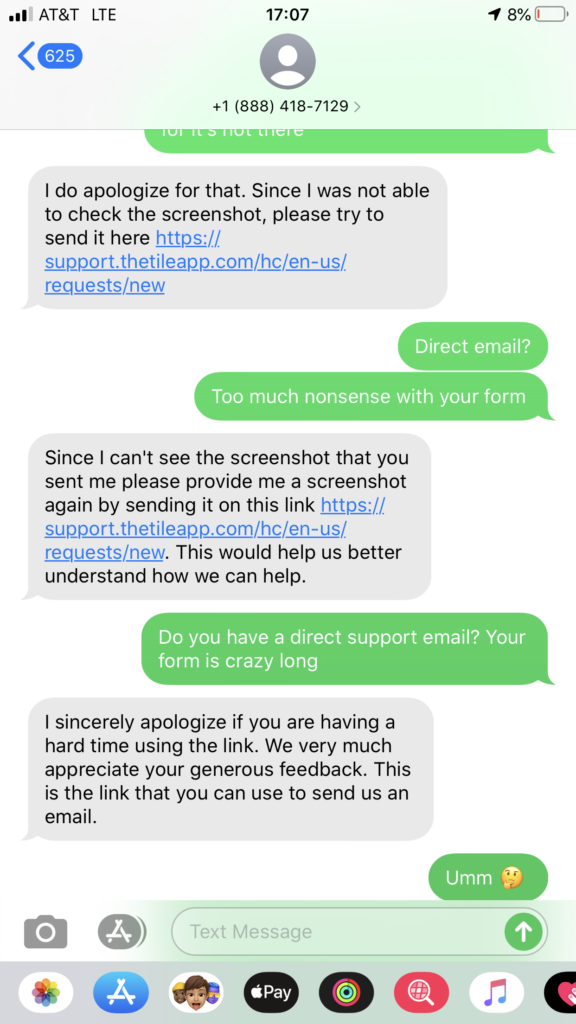
Ok, so here I have attempted to send screenshots over the premium support message number – however they haven’t appeared to enable MMS on the number (lazy) and start telling me to go fill out a form on the website. Wait a second? I thought this was premium support! So I push for an email address and they refuse. At this point I decide its time for this review.
I would not recommend this service at this time and I will be cancelling it until premium support actually means premium not go fill out the public form. They couldn’t even supply an email for contact or receive MMS so why even bother with SMS? Seems a new idea not thought through very well.
Fixes systemd-resolved[356]: Server returned error NXDOMAIN, mitigating potential DNS violation DVE-2018-0001, retrying transaction with reduced feature level UDP.